Introduction
Data Sync is the SQLSync module. It replicates selected Microsoft SQL Server tables to a Microsoft Fabric Data Warehouse or another SQL Server destination. Sync is one-way (source to target) and uses SQL Server Change Tracking for ongoing updates.
Where this documentation refers to Microsoft SQL Server as a source or target, that includes Microsoft Azure SQL, Microsoft Azure SQL Managed Instance, and on-premises Microsoft SQL Server.
Key limits to be aware of:
- Sources must be Microsoft SQL Server (Azure SQL, Managed Instance, or on-premises). Fabric can be a target only.
- Each source table must have a primary key.
- Deletes from the source are applied as hard deletes on the target (soft-delete patterns are not supported).
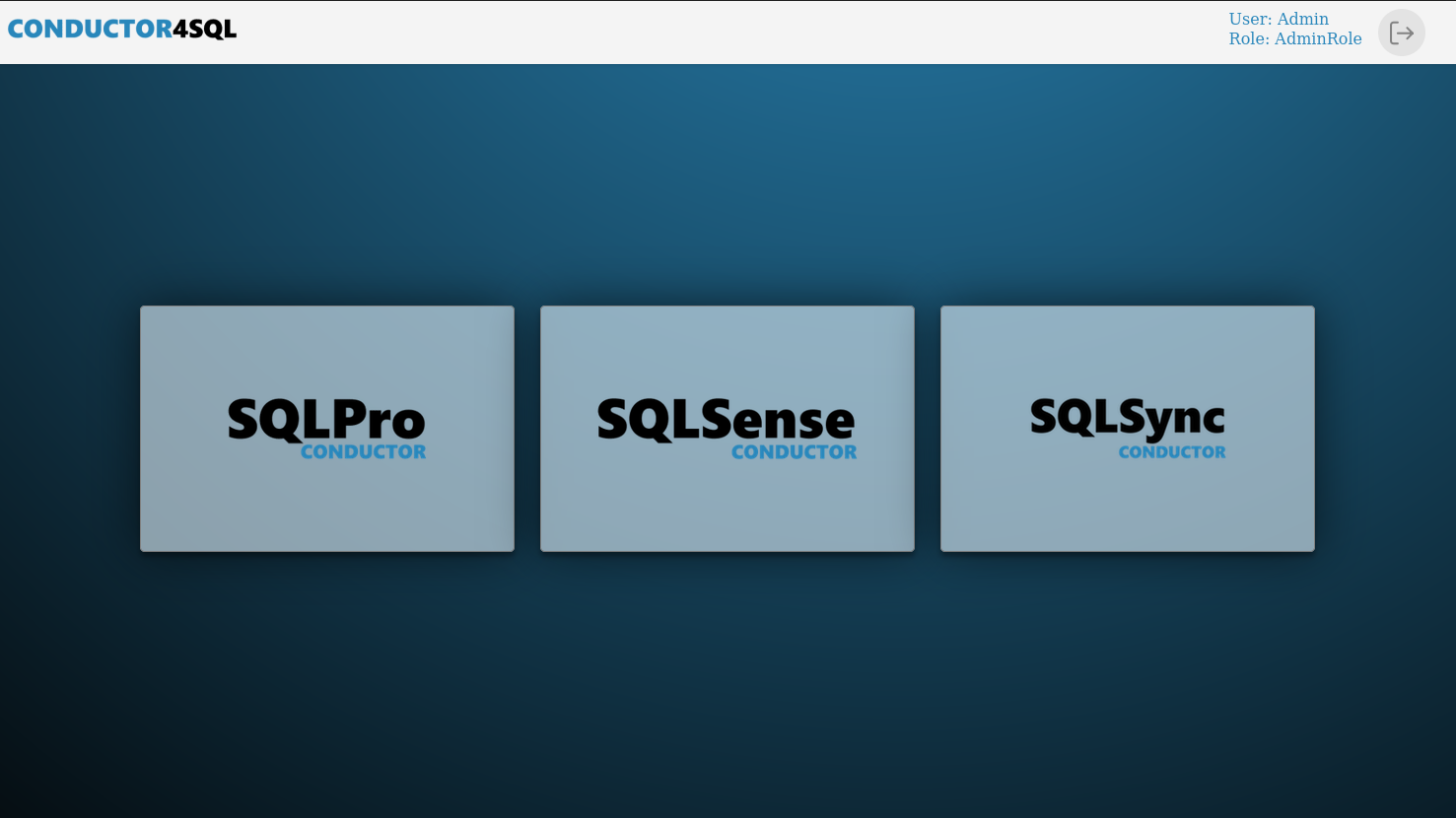
To reach Data Sync, select the SQLSync icon on the landing page:
The Data Sync menu offers the following options:
- Getting Started - prerequisites and the recommended setup order
- Global Configuration - thread counts, staging options, and Data Sync issue email alerts
- Source Host Configuration - register SQL Server source instances
- Target Host Configuration - register Fabric or SQL Server targets
- Schedule Configuration - define delta, checksum, and resync schedules
- Queue Configuration - manage sync processing queues
- Table List Configuration - choose which tables to sync, and optionally column filtering
- Sync Configuration - wire hosts, schedules, and table lists together
- Monitoring - watch sync status and run bulk actions
- Queue Monitoring - inspect source and target queue activity
- SQLPro Sync vs Fabric Pipelines - guidance on when to use SQLPro Sync over Fabric Pipelines for ingesting SQL Server data