Introduction
Schedules control when Data Sync runs delta sync, checksum validation, and full resync jobs.
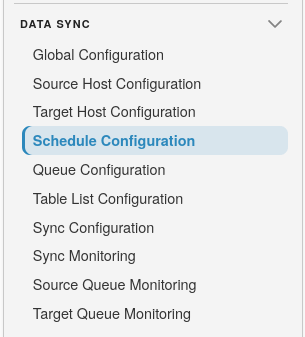
To get started, open SQLSync from the landing page, then select Data Sync Schedule Configuration:
Schedule list
The list shows each schedule name, its cron expressions, and whether it is active.

Columns:
- Schedule Name
- Delta Schedule - required cron for ongoing Change Tracking sync
- Checksum Schedule - optional cron for validation
- Resync Schedule - optional cron for full reloads and partial resyncs
- Active
Header actions: Add Schedule, Refresh.
Row actions:
- Edit
- Run Delta Schedule - fire the delta job immediately
- Run Checksum Schedule - fire the checksum job immediately
- Run Resync Schedule - fire the resync job immediately
Add or edit a schedule
Select Add Schedule, or use Edit on an existing row.
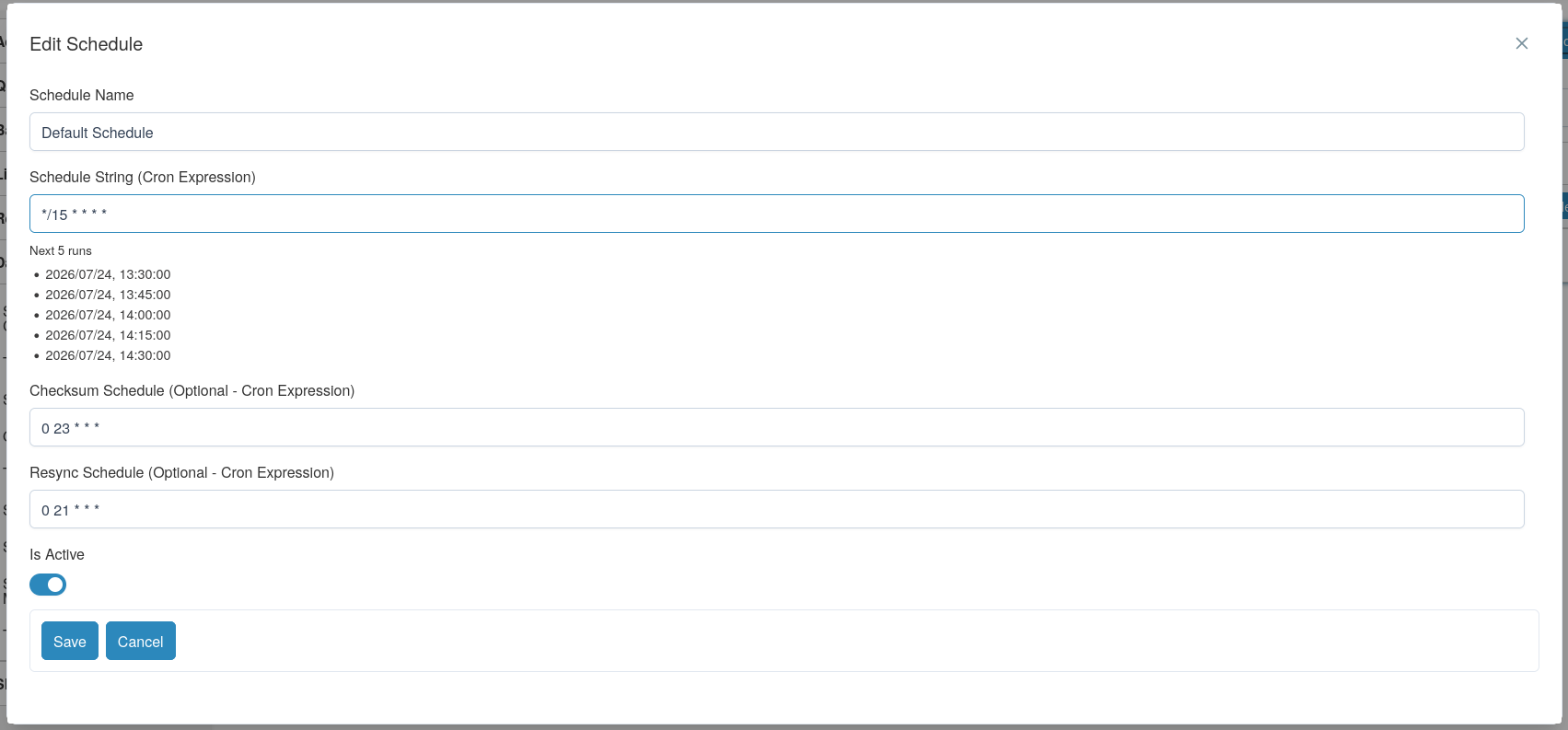
Fields:
- Schedule Name - required display name.
- Schedule String (Cron Expression) - required delta schedule.
- Checksum Schedule (Cron Expression) - checksum run time.
- Resync Schedule (Cron Expression) - full and partial resync run time.
- Is Active - inactive schedules are not available when creating sync configurations.
Select Save or Cancel.
For cron field order, operators, and common examples, see Cron format.
Tip
Use a more frequent delta schedule for near-real-time targets, and a less frequent checksum schedule and resync schedule.
Manual schedule runs
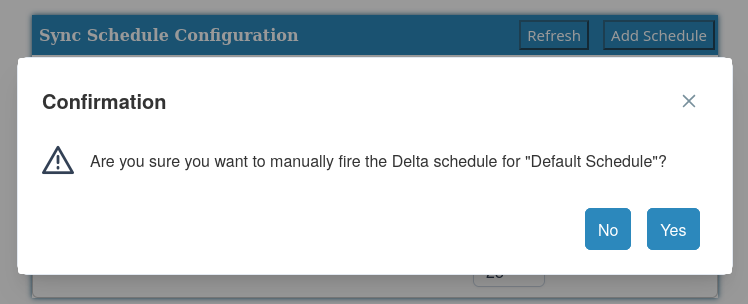
From the schedule list you can manually run Delta, Checksum, or Resync. Confirm the prompt before continuing.
Use this when you need a schedule to run outside its normal cron window. For example, if a critical initial sync or resync is only scheduled for after hours, you can fire Run Resync Schedule during business hours so the load starts immediately instead of waiting for the next overnight run.
Note
Manual runs process tables that are eligible for that schedule action. For example, resync processes tables marked for full resync (pending resync) or partial resync (pending partial resync). A checksum process only checksums tables that are under the syncing status. To run a delta for specific tables immediately, use Run Delta for Selected on Sync Monitoring instead of firing the whole schedule.