Introduction
Queues group sync work so table lists can share processing capacity. A Default queue is available out of the box.
To get started, open SQLSync from the landing page, then select Data Sync Queue Configuration:
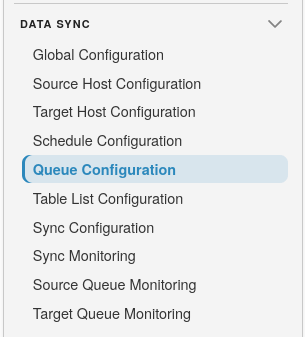
Queue list
The list shows queue names and whether each queue is active.
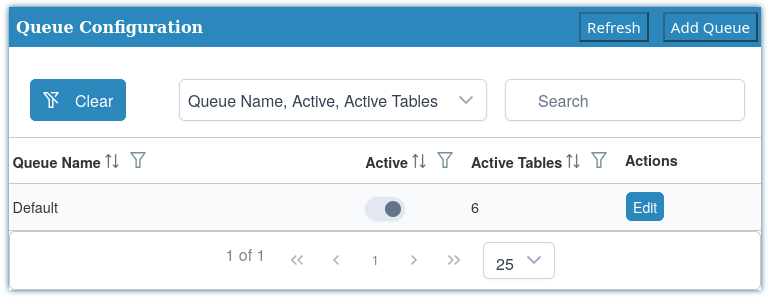
Use Add Queue to create a queue, Refresh to reload, and Edit on a row to change an existing queue.
Add or edit a queue
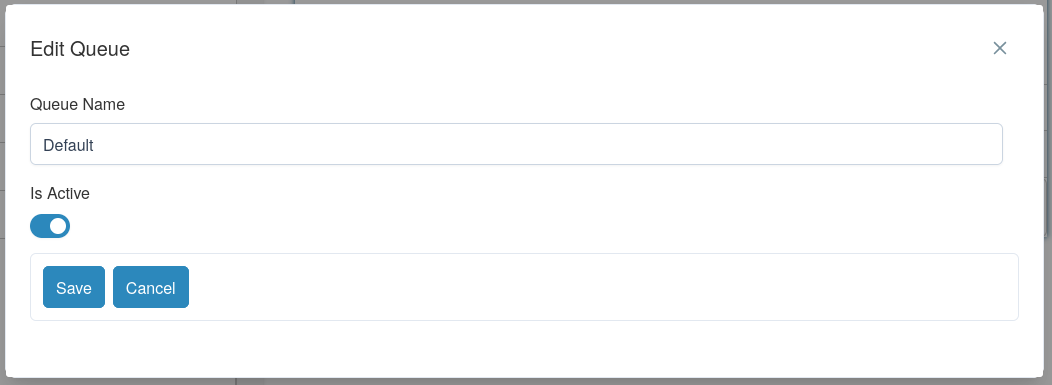
Fields:
- Queue Name - required name for the queue.
- Is Active - inactive queues should not be used by new table lists.
Select Save or Cancel.
Tip
Use separate queues when you want large table sets isolated from lighter, frequent delta work. Assign the queue on the Table List Configuration page.