Introduction
The SQL Environment Audit History Report produces an environment-wide Microsoft SQL Server audit across the instances registered in SQLPro. Use it for inventory, licensing and core counts, backup and CheckDB status, governance checks, and recommendations.
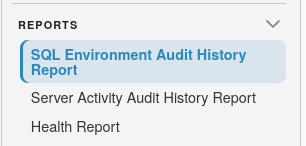
To get started, select the Reports icon and choose SQL Environment Audit History Report:
Note
You need the AuditView permission to open this report. Run Audit and Cleanup Audit require AuditUpdate.
Running the audit
When no audit data is available, the page prompts you to run an audit first.
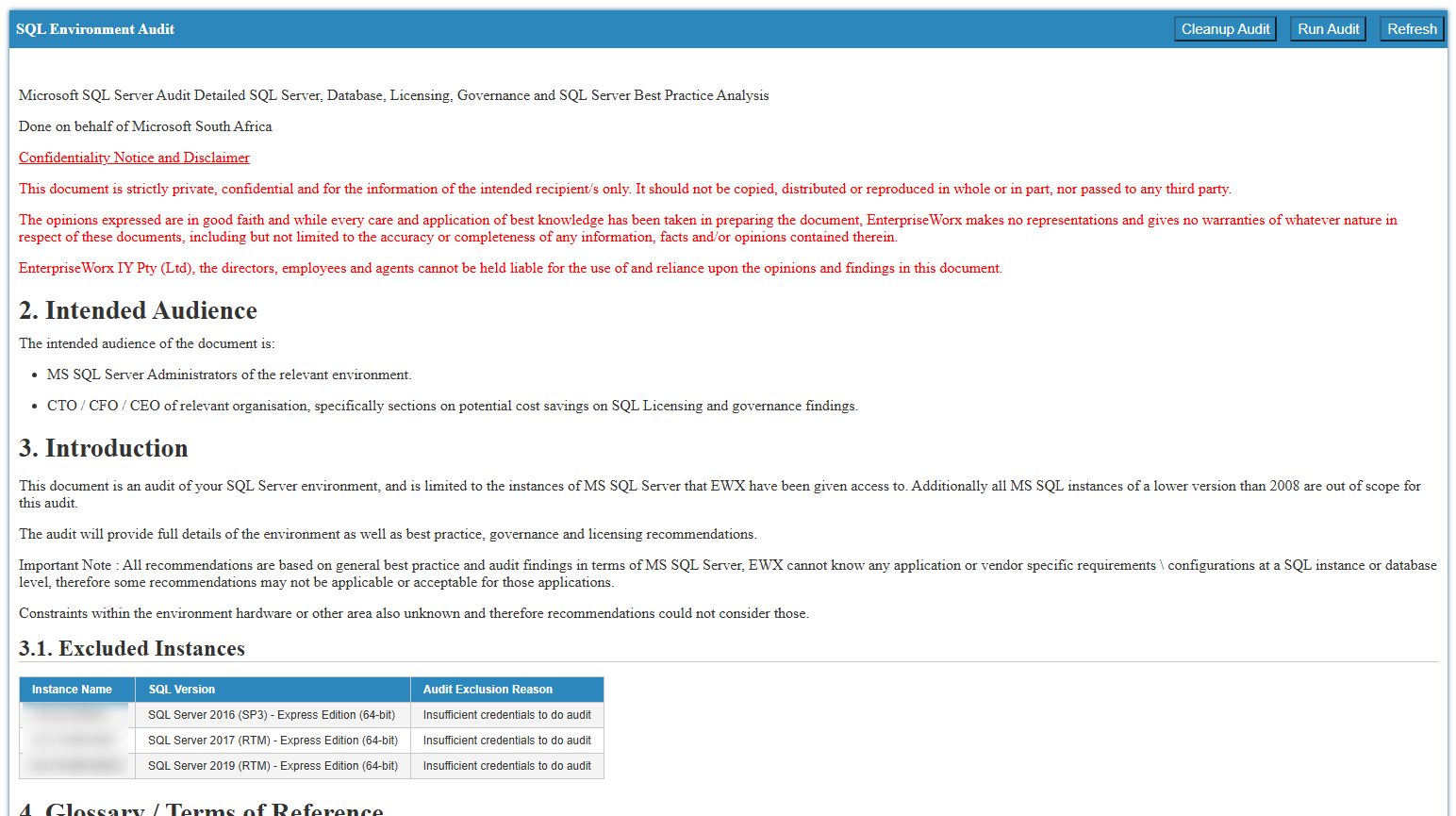
Header actions:
- Run Audit - collect fresh audit data from connected Microsoft SQL Server instances
- Cleanup Audit - clear stored audit results
- Refresh - reload the latest saved audit data
Warning
Instances running Microsoft SQL Server versions lower than 2008 are out of scope and appear under excluded instances when present.
What the report covers
The audit summarises the Microsoft SQL Server estate SQLPro can reach, including:
- Instance overview - cores by release and edition, instance version and patch status, and database size summaries
- Database summaries - system and user database backup and CheckDB status (no backup, old backup, current backup, and equivalent CheckDB states)
- Governance checks - database settings, file location warnings, server setting warnings, accounts not set to expire, and weak passwords
- SQL Agent jobs - totals for success, failed, and never-run jobs (SQL Express instances are excluded because they have no Agent)
- Enterprise features - where Enterprise edition features are in use
- Recommendations - suggested edition or configuration changes with reasons
Tip
Treat recommendations as general Microsoft SQL Server best-practice guidance. Application- or vendor-specific requirements may mean some findings are not applicable in your environment.